Even if art feels unfamiliar, your taste is already a starting point.
If you tell us about the space, mood, and colors, Saebori will first select three pieces from the actual artwork archive. After selecting the artwork, you can immediately complete it with lifestyle products or a 1mm transparent acrylic frame.
220+ Artwork Archive3 First recommendationsKRW 0 Basic recommendation
Saebori“Rather than teaching you how to choose, I’ll start with the scene that stays with you now.”
STEP 01
Tell us just three things
Choose only a space, mood and colour.
STEP 02
Three works selected by Saebori
Complete your choices to see artworks with recommendation reasons.
SNo selection yet.
Answer the questions on the left to compare real archive artworks.
STEP 03 · Continue with the selected artworkPlease select an artwork
Choose one of Saebori’s recommendations, then select what you would like to make.
Start directly with your favorite artwork and objects.
Explore not only paintings, ceramics, and crafts but also antiques, natural stones, miniatures, and souvenirs with removed frames and backgrounds, which can be used for products, spaces, and print files.
SAVORIP · My shop
Bring artworks and products together, and design a space that sells.
Display your finished products and prepare your shop image and production plan with Saebori.
Plan your shopOnline franchisePartner production
Story cardSmall giftLifestyle goodsMade to orderLimitedRare productSpace displayBusiness proposal
Start with the audience and operating direction. All work is saved as a local draft first.
01 · STORE DIRECTION
Decide which experience you will offer and to whom.
Start with an online shop, store display, business gift or travel keepsake.
What revenue-focused store will you design?Choose a direction to get suggested copy, colours and space scenes.
02 · Choose artworks and products
Choose from the collection and your finished products.
Choose a main artwork and your finished products. Use examples for planning and confirm physical production with the manufacturer.
From artwork to product
Browse and choose from the artwork archive inside Store Builder.
Make products and frames with your artwork, arrange a display and prepare a production PDF.
340reviewed and approved artworks
1Choose an artwork2Apply to products and frames3Arrange your display4Production PDF and maker enquiry
Showing 24 of 340 reviewed artworks.
Use item examples to explore the space. The completed plan uses only exact product-applied results saved in Product Studio.
Start with 4–6 signature products for a clearer concept.
Target retail · operating model · planned quantity
Choose products from the list above.
03 · Arrange your display
Arrange products to design a space that sells.
Place products on shelves, tables and walls or arrange them automatically. Your layout is the placement reference; the creative image illustrates atmosphere.
Choose space
Studio space
No products placed yet.Tap a product or choose Saebori auto-arrange.
Preview your collection
Review the product mix for the plan.
Check that product names, target retail, operating model and images are easy to read.
Built from selected product results
SAVORIP GIFT STORE
My gift store
One-of-a-kind gifts born from art
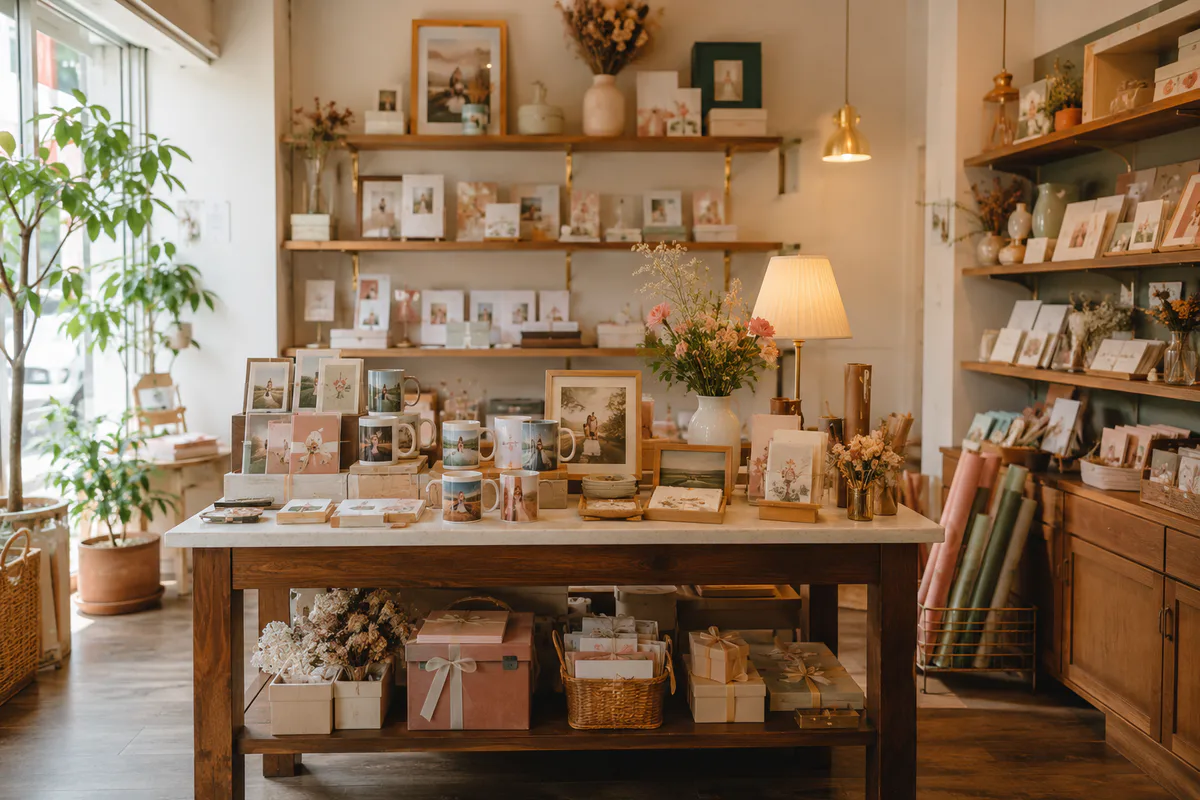
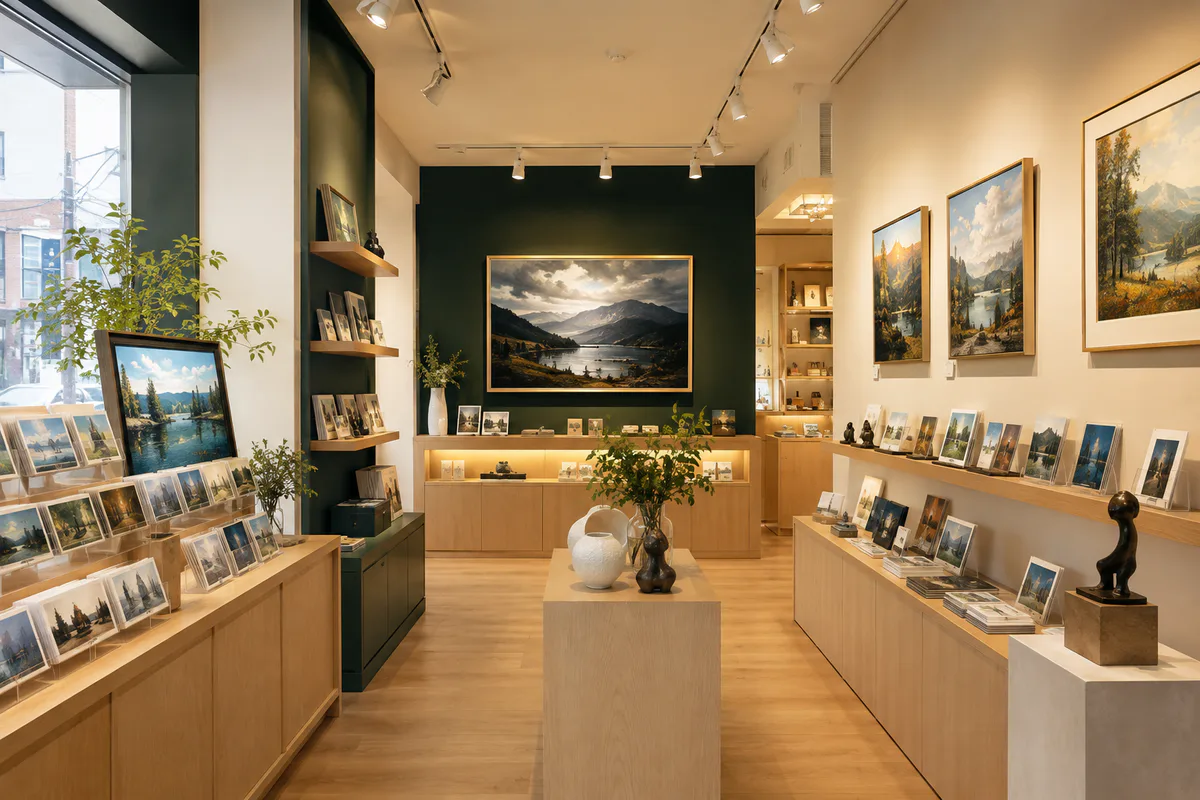
Saebori store concept image
Create a new shop scene with the products you arranged.
Create your shop’s atmosphere with Saebori. Check exact product positions and shapes in your arranged display.
Shop planning · promotion
Saebori is composing a concept scene from your layout.Saebori previews may differ from the shape and details of the actual product.
A first look at your storeSaebori’s image illustrates your shop atmosphere. Check the actual products and original artwork in your arranged display.
04 · Production files and maker enquiry
Complete an actionable store plan.
Collect your display, creative images and product details in a PDF for a manufacturer discussion.
This plan is not a manufacturing order. Agree actual production and sales terms with your selected partner.
SPACE PREVIEW · Basic preview free
Try it in your space first, then decide the size and mood.
Upload a room, café, accommodation or office photo and adjust the artwork position, size and frame colour. Save the result or connect it to a production quote.
The moment you see an artwork, stories of people and places open up.
Select an artwork or scan an on-site QR, and Saebori clearly explains its background, mood, recommended spaces and production eligibility.
QR · Artwork ID · Photo
On a secure connection with camera access, you can scan it directly.
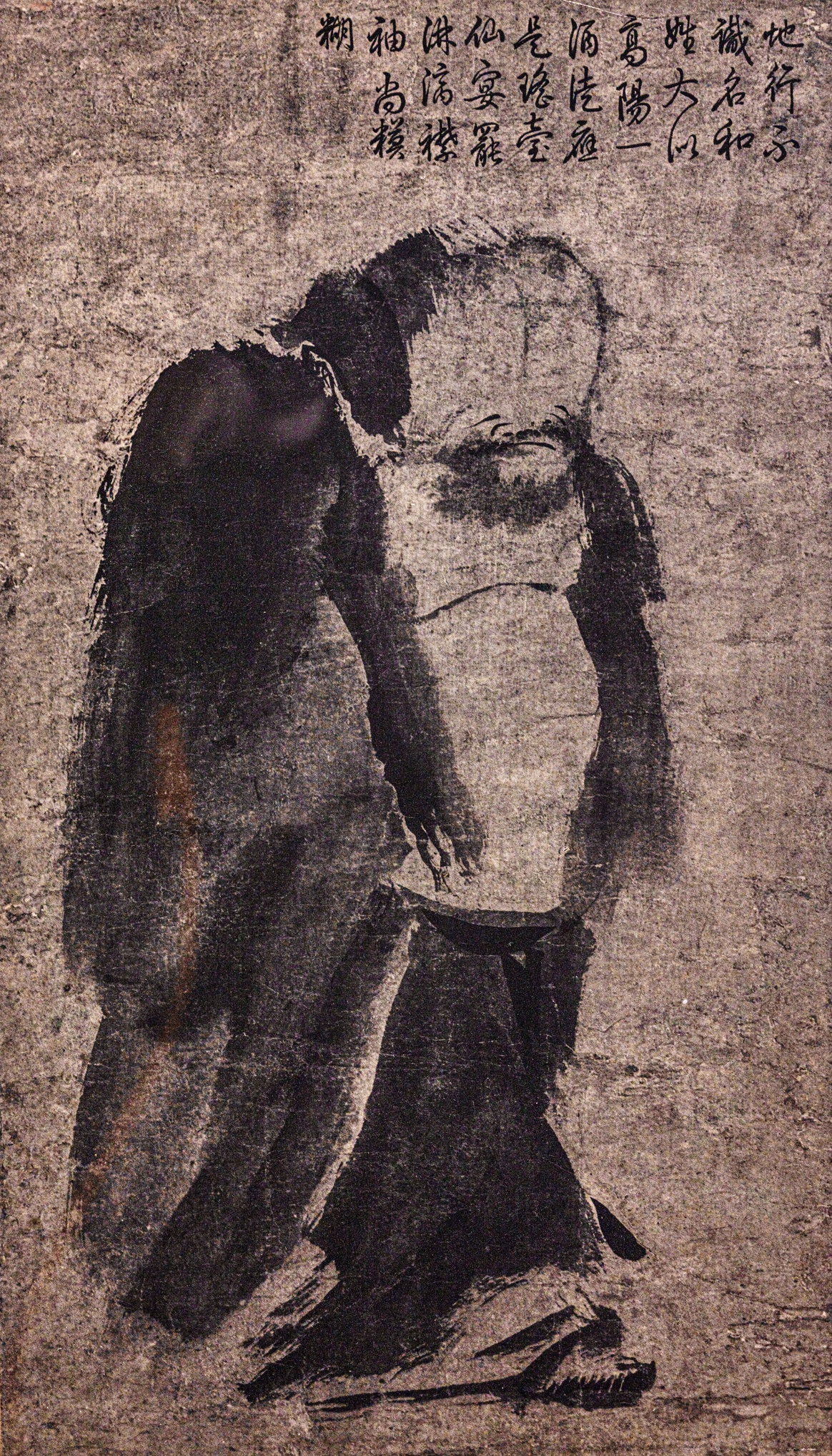
Rights under review
SavorIP artwork description
Please select an artwork
Artwork ID
—
Category
—
Recommended spaces
—
Mood
—
SAVORI ART STORY
Story of Saebori's work
I convey the stories found in the colors and scenes of the artwork.
Curator's PerspectiveArtist's PerspectiveA line inspired by the artworkA question to open your imaginationWhere this artwork belongsShort Story with QR
Choose an artwork from the archive on the left to see its story.
LOOKING TOGETHER
Artworks that look better together
I discover my taste by comparing colors, composition, texture, theme, and emotion, not by the ranking of fame.
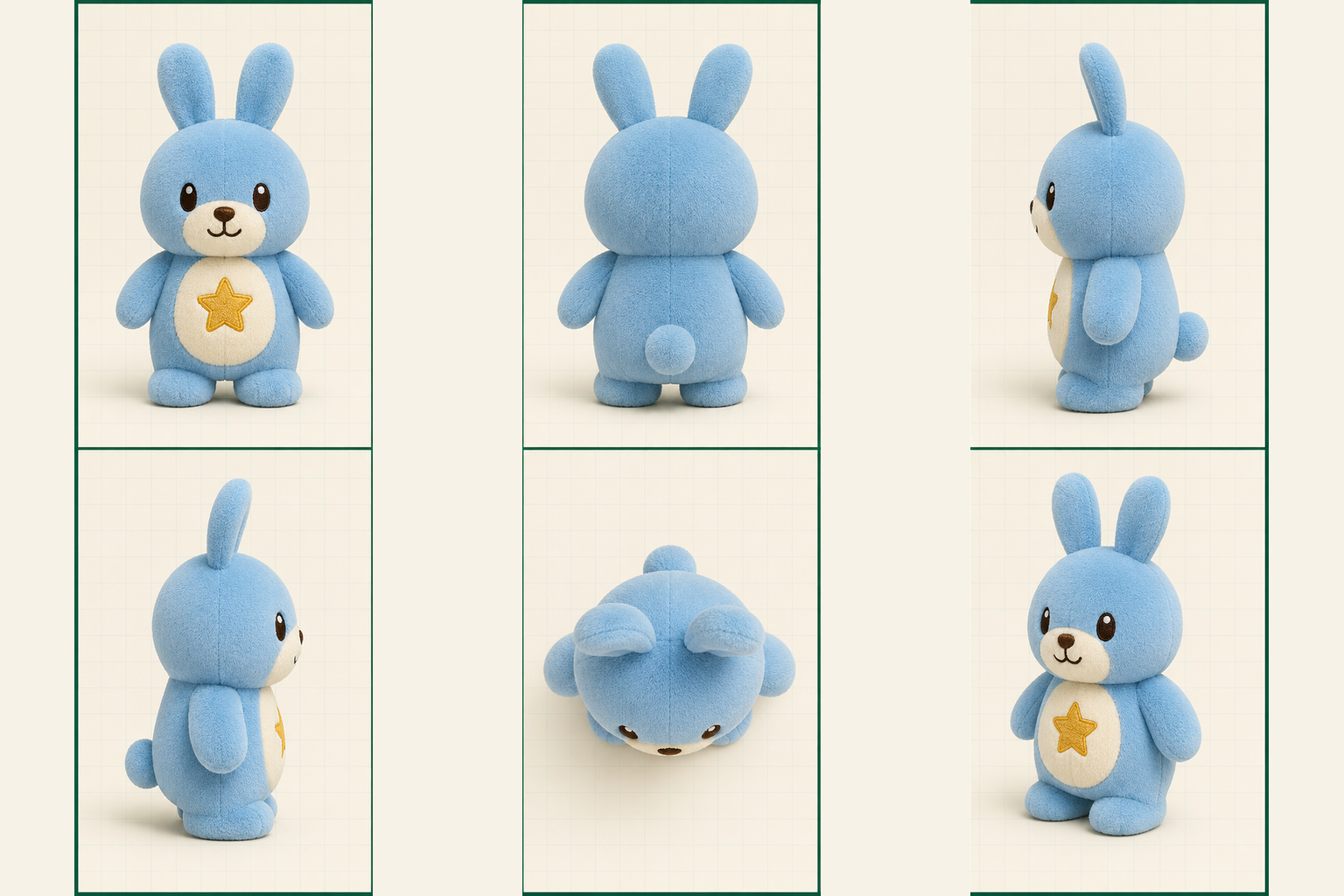
Putting the front, back, sides, and top on one page makes it easier to discuss the shape accurately with the maker.
Front
Back
left
right
Top
3D
Saebori six-view production concept
Let’s check that every view matches
The rabbit shown here is an example. First create your product preview, then generate a six-view concept for your character.
Important
This image is a concept for discussing the shape. The maker must recreate the actual 3D file, mould drawing, or sewing pattern and verify safety.
STEP 5 · With a parent
Get the PDF to share with the maker
The PDF includes the child’s original drawing, decorated canvas, product preview, six-view concept, and the dimensions, materials, and safety items for the maker to review.
SavorIP does not manufacture the product directly. Use the PDF when consulting a partner maker.
Open parent checklist
SAVORI MEMORY ATELIER
Without replacing your photo, we help your memory last.
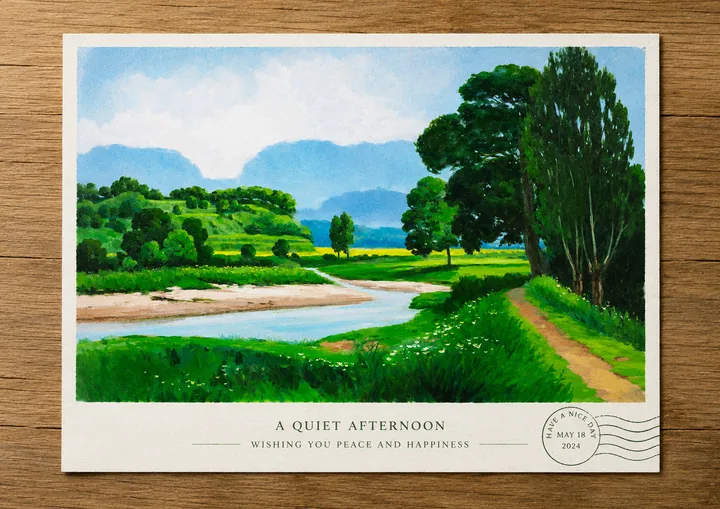
Add travel photos and short stories, then choose Saebori's suggestions for sentences, colors, and layouts. This leads to postcards, acrylic cards, frames, and prints in PDF.
Human photographs+Human memory+Saebori assistance= Your outcome
+Upload a travel photo
Your photo is edited on this device first and added to your work only when you choose to save it.
FROM MEMORY TO PRODUCT
One memory can become a real keepsake.
The images below are SavorIP previews for understanding possible product directions. Production specifications and the final price are confirmed after reviewing your image, story, and usage rights.
Turn personal photos and creations into small keepsakes after checking third-party rights.
ART PRODUCT STUDIO · LIVE EDITING IS FREE
Once you choose an artwork and product Saebori creates the finished-product concept.
Choose a product from the finished samples and place the artwork directly on its blank version. Positioning and sizing are free; Saebori reviews the artwork source, blank product, and reference sample together to propose a new product image and usage scene.
Free Live editing3P Precision applied image confirmed0P Re-download same setting
Choose artwork · product+Place on blank product free+Product image by Saebori= Prepare the approved result and maker handoff together
Saebori product creation help
Choose an artwork and product, Saebori proposes a new finished-product concept.
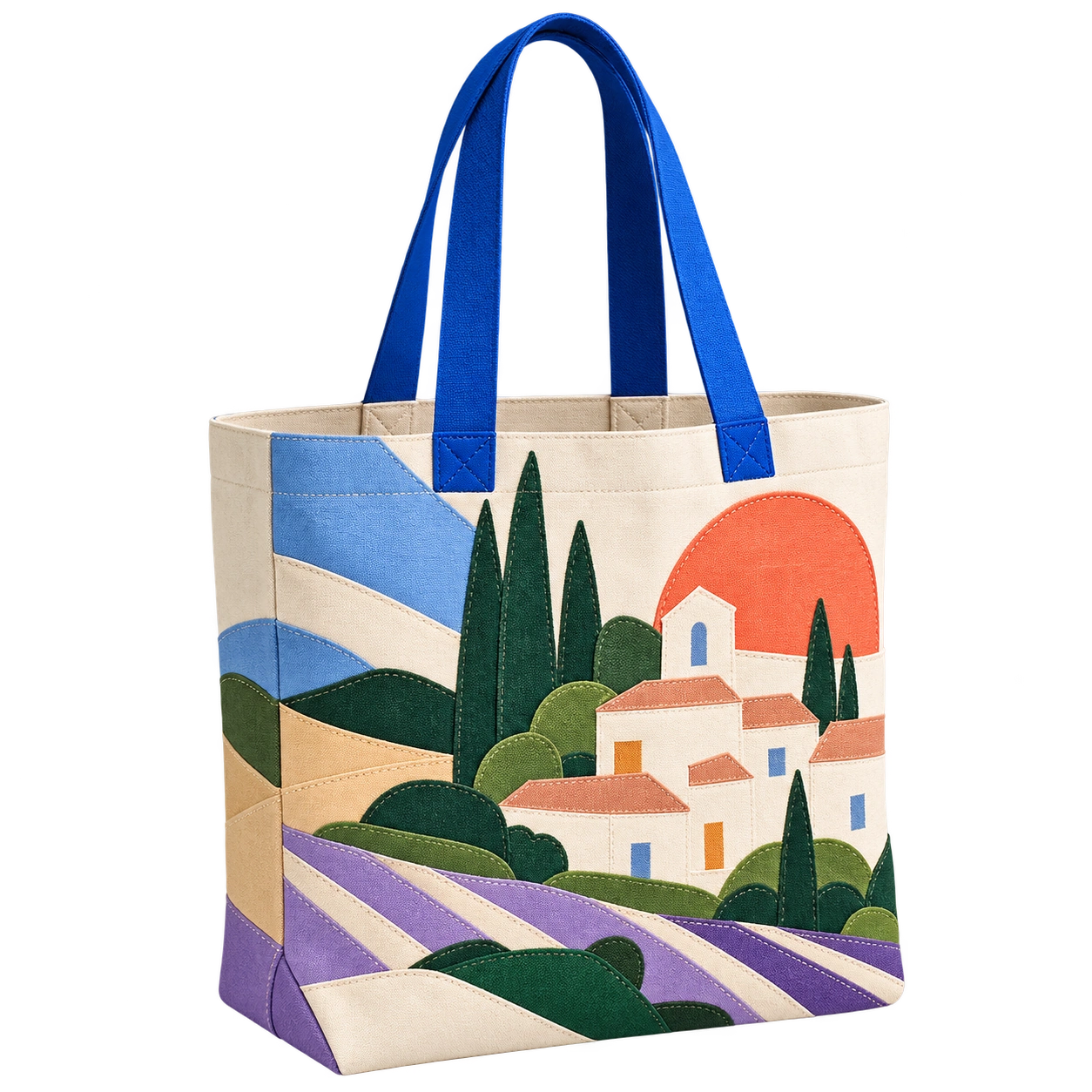
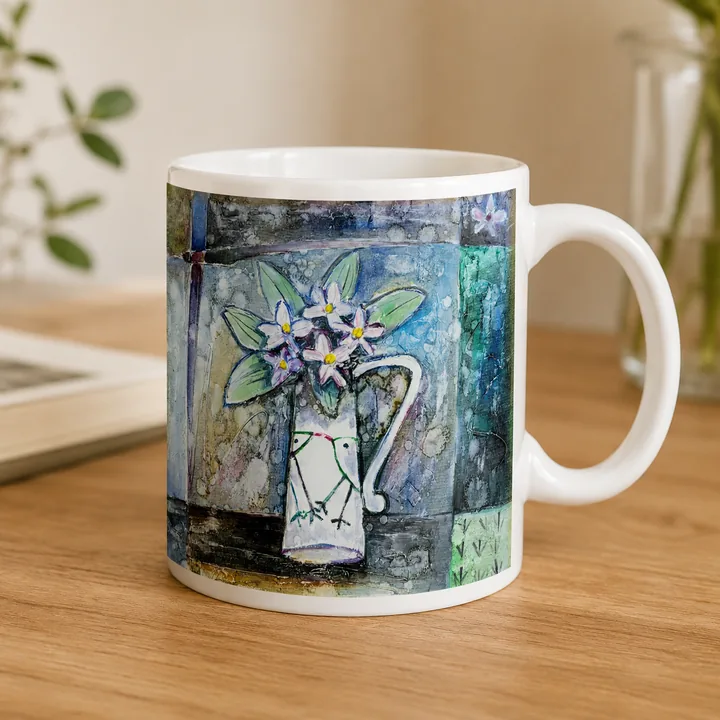
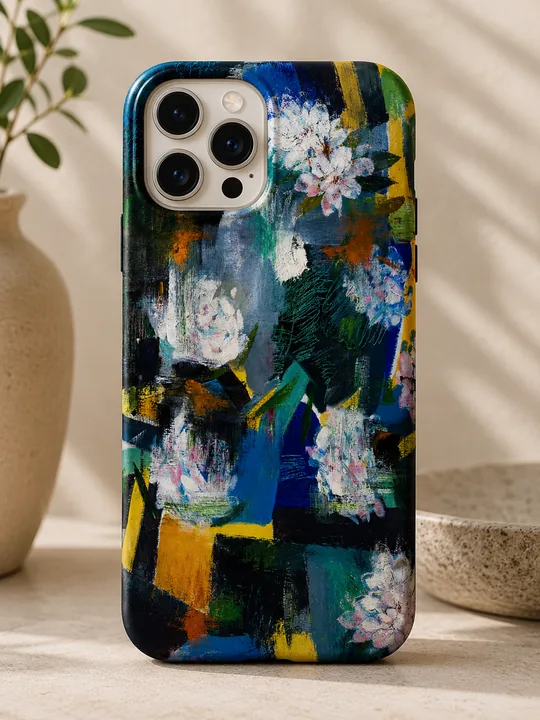
Choose a SavorIP artwork or your own photo, then select a product sample such as a T-shirt, bag, or mug. Place and size the artwork on the blank product, and Saebori will propose a new finished-product image and usage scene based on the product’s form and purpose.
Saebori previews help you understand the intended finished look. Actual production uses the artwork source and production specifications approved by the user.
01Choose artworkSavorIP artwork · my photo
02Choose productT-shirt · cup · bag
03Free placementSet size · position
04Product conceptFinish with Saebori
05Approve · production materialsPDF · source · quote
SAVORIP SIGNATURE MATERIAL
Adding light and depth to art 1 mm clear reinforced acrylic
Light passing through and reflecting from the clear surface adds clarity and depth without hiding the artwork’s colour or texture. The source is preserved at the highest resolution, and the best image the system permits is used for enlarged viewing, canvas editing, and production materials.
After choosing an artwork and product, Saebori creates in two ways.
01 · Let Saebori leadSaebori interprets the artwork and product and proposes a direction.02 · Create togetherShape ideas shared by text or voice and create together.
STEP 01
Edit the applied design on the blank product base
Adjust only position, size and background without altering the source. Choosing a finished sample on the right opens the matching editing base here.
First archive artworkFrame removal not applied
For framed-print products, if the selected image includes a photographed frame or wide mat, review and apply a clean artwork-only source. The original image is never changed.
Blank product · selected artwork onlyProduct image completed by Saebori
The left is a blank product base for live editing. Only the selected artwork is applied to the printable area; after confirmation, both a client preview and maker-ready artwork are provided.
0 hides the image; 100 fills the maximum printable area. You can also drag the image directly on screen.
Live placement in progressNo points used · precision image not confirmed
Points for the previewChecking
Moving, resizing and positioning are free. 3P when confirming a precision product imageis used; the same artwork, product, position and size reuse the saved result without another charge.
STEP 04 · Your product by Saebori
Based on my artwork placement Create a new finished-product concept.
Saebori reviews the client preview, selected artwork source, blank product, and finished sample together. It does not copy the sample; it creates a new composition for the product’s form, material, volume, lighting, and usage scene.
Baseline Artwork placement · scale→Saebori proposal Use scene · mood→Production artwork Production standard
SAVORI CREATIVE DIRECTION
Ask Saebori for a creative direction
Confirm the client-facing product preview first.
S
SAEBORI CO-ARTIST
Ask Saebori to bring it to life
Saebori preserves the artwork while creating a mood and story suited to the product.
Creative direction Saebori understood
SAVORI REQUEST PREVIEW
Request to Saebori
Respect the selected artwork’s colour and composition, and propose a premium studio product photo for the product detail page.
Choose a look you love and share your idea. Create something of your own with Saebori.
No points are used if creation fails. Reopening a saved result with the same settings costs no extra points.
SAVORI REVIEWProduction criteria checked by Saebori
Product image completed by SaeboriCan be included in the production materials as a client reference image.
STEP 04 · Saebori’s creative result
Review the finished result and choose the next step
This is a presentation concept with one product in one scene. Actual production uses the production source and specification sheet.
Your creation is ready
1Final resultReview the product presentation concept.
2Included in productionApprove it as a reference when you are satisfied.
3Production listAdd to the source-and-specification bundle.
S
Saebori is preparing your result.
Keep this screen open; the finished image will appear here.
The result image could not be loaded.
Your points history and finished creations are kept.
Final result image
Next step
Save
Try another direction
STEP 06 · Production handoff bundle
Prepare the production source, client reference image, and production specifications as one bundle.
Use the selected image—either the original artwork or a work made with Saebori—as the production source. The finished-product concept may also be sent as a client reference image.
Selected production source
Client reference image
High-quality artwork for your maker
Production specification PDF
Selected products0 / 10 pages
No products have been added yet.
Estimated totalKRW 0
You can review the price before continuing.
FINAL · Maker handoff
Request a quote using the approved artwork and production materials.
Use the client reference image to communicate the intended product look, then agree the details with the maker using the selected production source and specifications.
SAVORI CREATIVE SUPPORT STUDIO
Saebori does not decide for the creator. It helps carry out the steps that are difficult to do alone.
Even with low vision, limited hand movement, long-work difficulty or digital barriers, the creator’s words and choices stay at the centre. Every change and product use proceeds only after creator approval.
The creator thinksSaebori assistsThe creator approvesHistory is preserved
ACCESSIBILITY IS FREEAccessibility features themselves are free.
Costs are clearly shown only when real services such as printing, production or expert support begin.
STEP 01
Tell us how the work begins
Your wording does not need to be perfect. Saebori will listen and organise it into a creative direction.
S
SAEBORI CO-ARTIST
How would you like to create together?
Creative direction Saebori understood
STEP 02
Review Saebori's support plan
Only checked items are included in the next step.
STell us your creative intent first.
PROJECT SAVED
The creator’s decisions and Saebori’s assistance have been saved separately.
Reopen this project from My Box, or continue with this creative direction in the Product Workshop.
People with art, connected to places that make and show it.
Browse makers by specialty and choose one to contact. Partnerships require the maker’s agreement and confirmation of production terms.
Creators↔Maker↔Space operator↔UserA structure that records revenue and responsibility
ART CHANGES YOUR SPACE
In Your Space This is how it will change.
Selecting a space will show you the actual application scene and operation method at a glance. The preferred direction will be included in the consultation request.
STAY · Enhance Room Value
Adds memories of the artwork during the stay night.
Connect the main artwork on the bed with the room QR story to create a memorable room. Changing the artwork each season gives returning customers a fresh impression.
Differentiation of Room Photo Impression and Booking Page
Extend the time spent on the work story with QR
Seasonal changes with minimal construction
The image is a suggested scene to understand the application direction. It adjusts size and placement based on actual space photos.
01
Print & frame production
Connect postcards, prints, frames, packaging and delivery to a production specification.
Show minimum quantity & lead time
Production proof approval record
Damage & misdelivery standards
02
Acrylic & goods production
We connect only rights-cleared products such as acrylic cards, keyrings, mugs and bags.
Product-specific print area
Sample check
Quantity-based quote
03
Accommodation · Cafe · Apartment
Artwork arrangement, on-site QR, seasonal exchanges, and on-site sales create new uses for the space.
Space Photo-Based Layout Suggestions
Artwork Rental and Exchange Management
QR View · Purchase Link
04
Travel & corporate partnership
Configure travel-memory products, corporate gifts and space packages to suit the purpose and budget.


 Saebori is composing a concept scene from your layout.
 Rights under review