What image should I choose for a 3D printed travel-photo keychain?
Choose your own image or authorised artwork with a clear outline and identify two or three features to preserve. Decide which lines matter rather than shrinking every detail.
When planning a tangible keepsake from a photograph, separate the front relief, back, hole and thickness. Distinguish a visual preview from a printable file and prepare a handoff for the print provider.
Choose your own image or authorised artwork with a clear outline and identify two or three features to preserve. Decide which lines matter rather than shrinking every detail.
Check the following: Relief versus full 3D; Units, thickness and hole; Printable files and provider review.
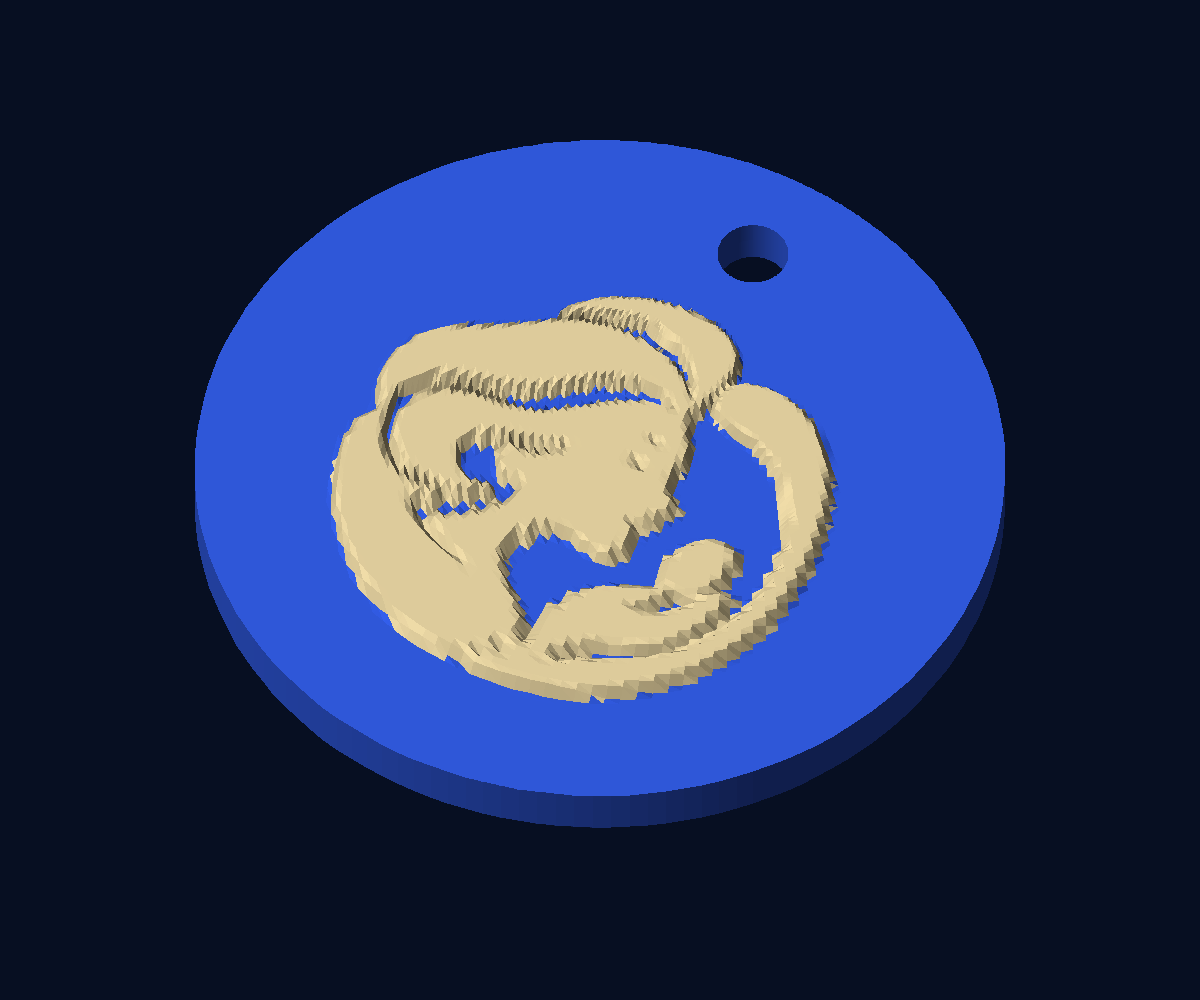
A photo journey into relief
Use the boat outline in my own travel photograph as a front relief, with a flat back and a hanging hole at the top. I will confirm size and thickness in the workspace before requesting the output file.
Designs and image examples are preparation materials. Check execution costs, delivered file types and physical production terms, and keep source and finished files on your own device.
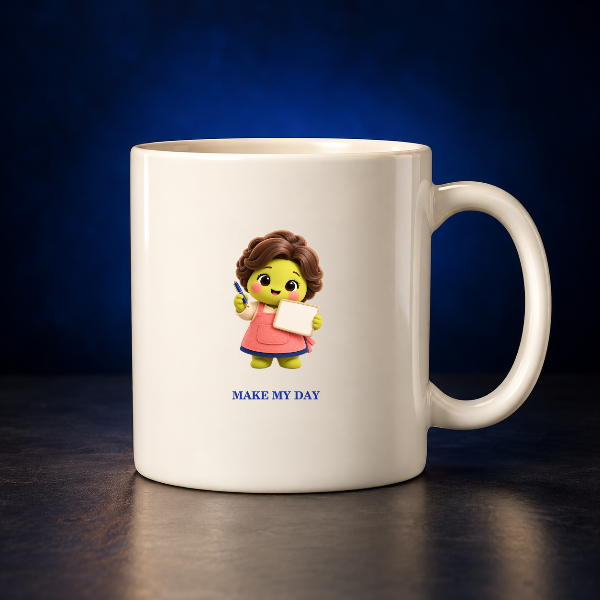
One-photo souvenir planning
To put a Korea travel memory on a mug or bag, first decide how the object will be used and where the image should sit. Use your own photograph to prepare a clear brief before placing a print order.
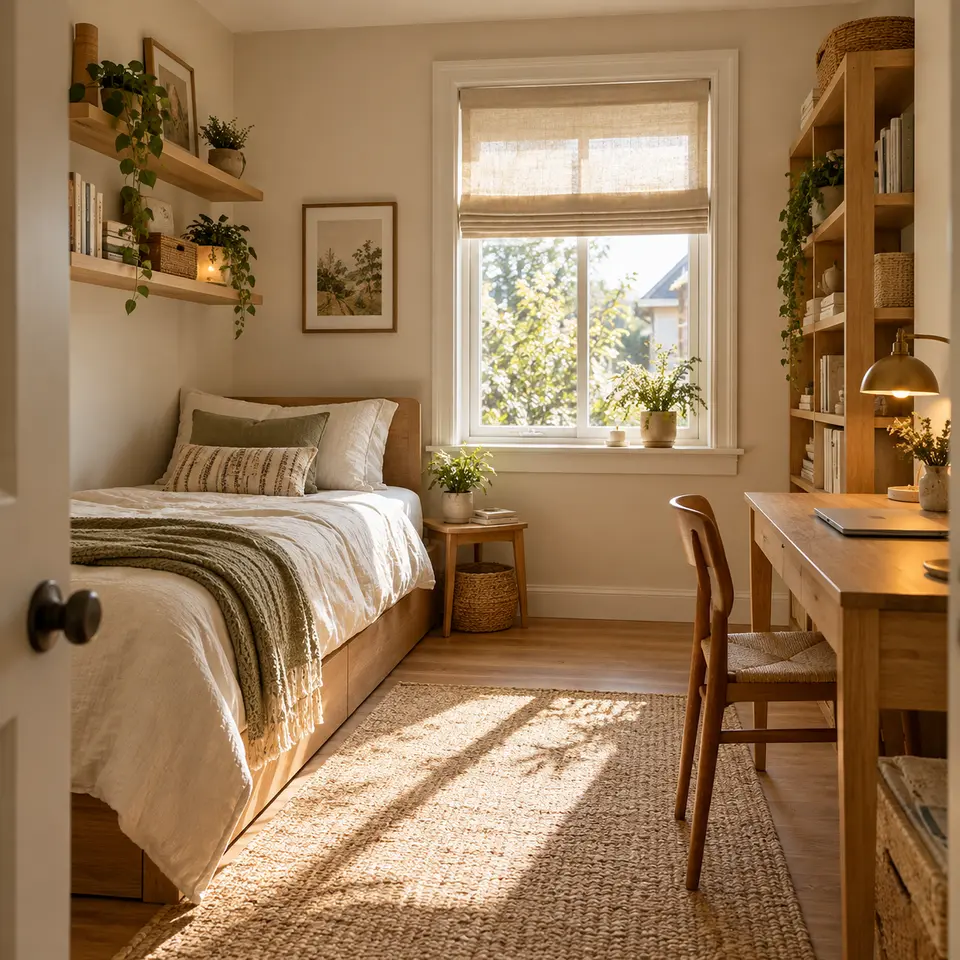
First-room, made for your life
For a move to the USA or a longer stay in Korea, measure the room and door before choosing furniture pictures. Use the life workshop to sketch a layout and prepare the information needed for buying or installation.
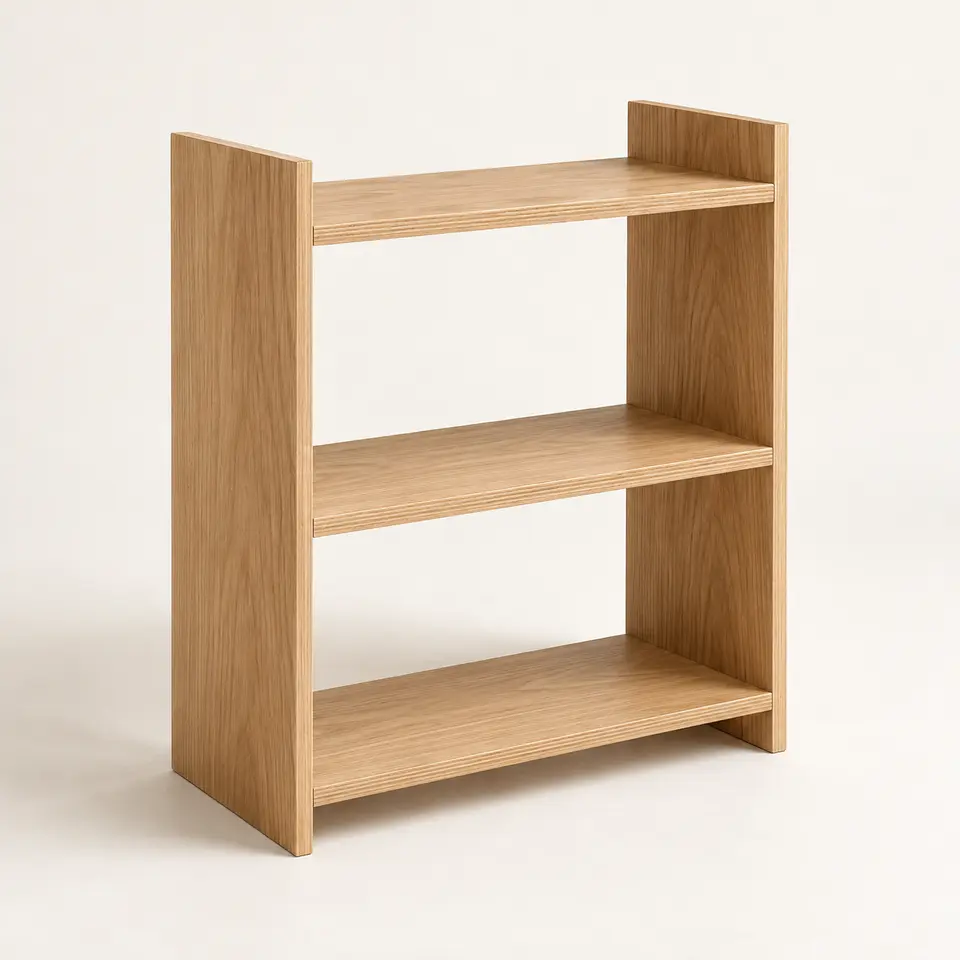
Everyday plans for overlooked gaps
For storage in a small home in Korea or the USA, record depth and height as well as width. Start from the household-item template to prepare a shelf concept you can discuss with a maker.
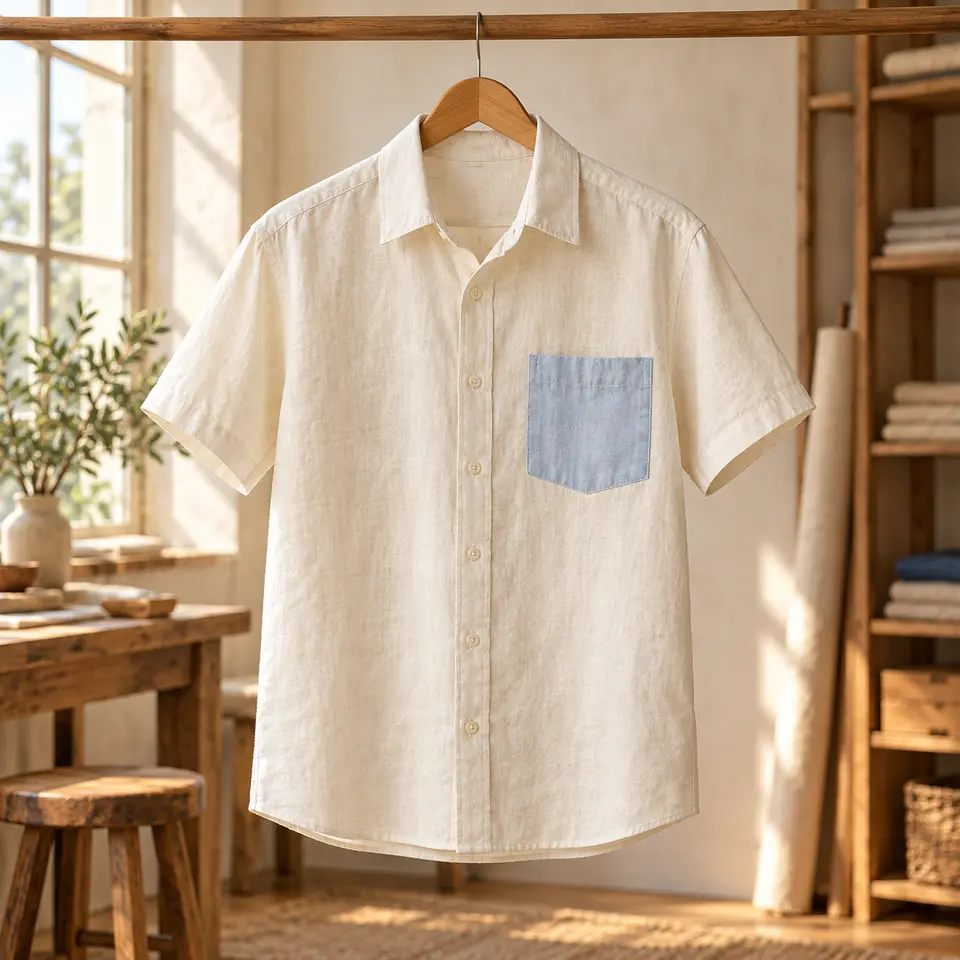
One garment, your own brief
Turn colours noticed on a Korea trip or the purpose of a favourite garment into your own brief. The clothing template helps compare front, back and design choices; agree cutting and sewing details with the maker.
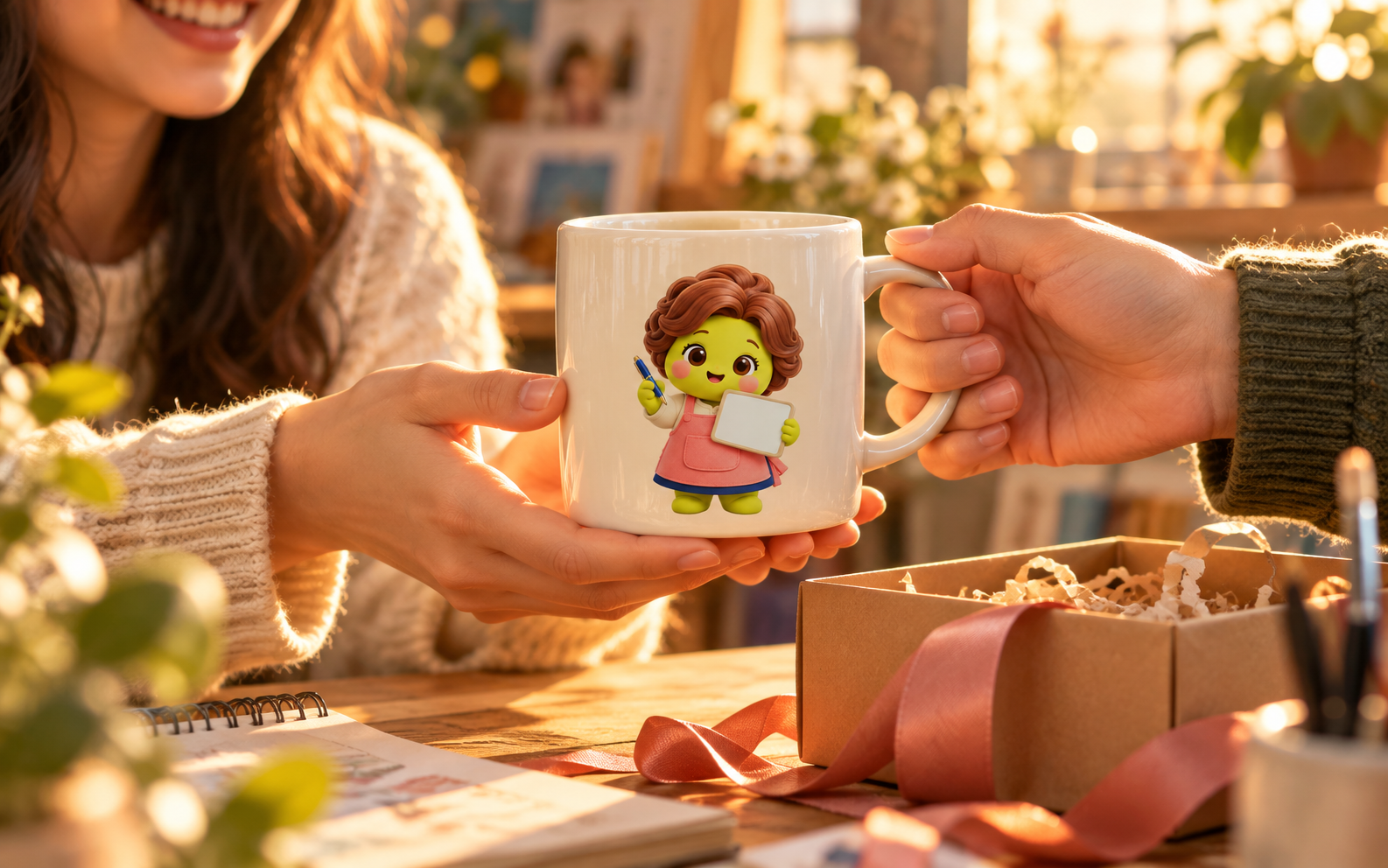
A one-scene travel theatre
Choose one subject and one movement from a Korea or USA travel photograph before planning a longer film. Use the short-video examples to prepare a scene brief for the creative workspace.
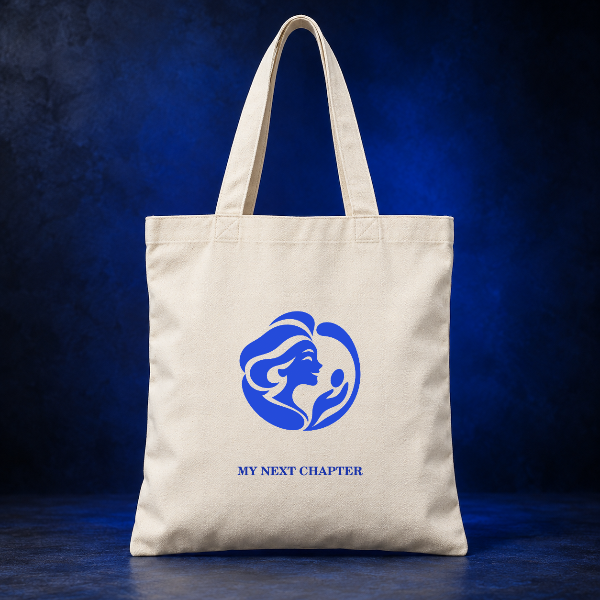
Your art, in everyday use
Editing wording and size in a sample design is a starting point; physical production is a separate step. Plan image and lettering placement around how the recipient will use the gift.
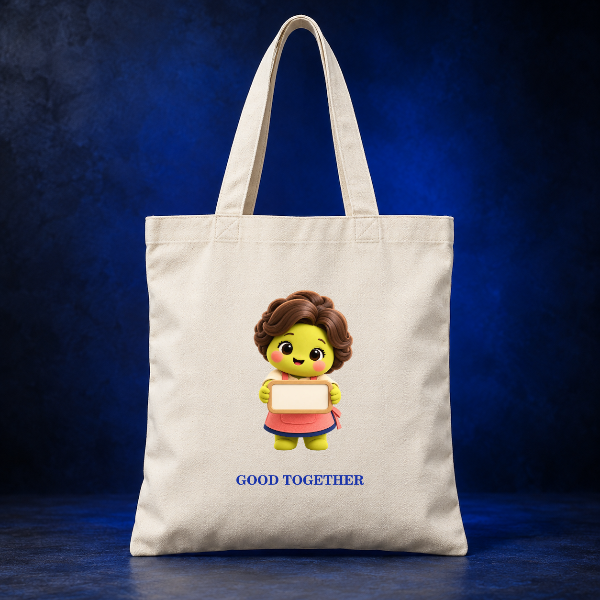
One piece of today to remember
For a Korea trip scene or a first day living in the USA, add a useful description rather than collecting photographs alone. Keep originals on your own device and prepare a separate version to share or use in a creative project.
Check the conditions behind “free”
On 23 November 2026, the Korean and English IMOMEME screens stated that free rewards were paused. A search result saying “free” does not establish an immediate reward or wallet transfer. Check the current status and participation terms on the official page.
Public tools reviewed on