Turn Korea travel photos into personal souvenir concepts
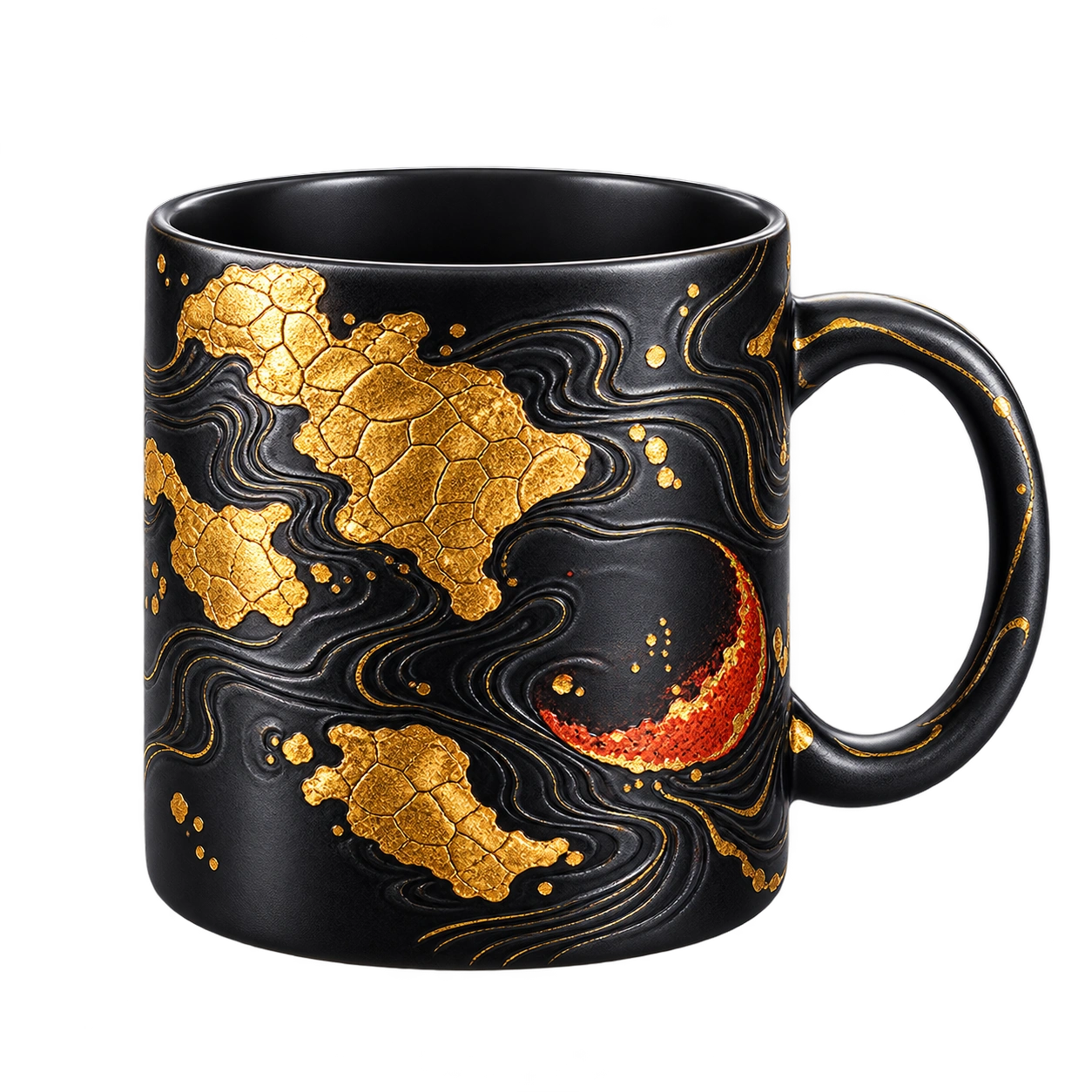
Develop your own Korea trip photos into mug, frame or memory-gift designs and prepare the information needed for a production request.
Mugs, frames and acrylic objects use different proportions and materials, even when they share one photo. Choose the relevant workshop and material-specific workflow.
Prepare the original photo or artwork, the intended object, orientation and wording. Keep the image to be applied separate from a reference that only describes the desired mood.
For glass, acrylic and mugs, review edges, transparent areas and placement separately. A frame or product photograph should not be mistaken for the original artwork itself.
Prepare my child’s drawing as a landscape frame gift without changing the original. Let me review the surrounding margin and wording separately.
Use the tasks and export formats actually offered in the workspace. Every preview is not automatically print-ready; confirm manufacturing specifications with the maker.
Decide the physical frame size, orientation and photo area to preserve. Inspect cropping and wording in the original rather than relying only on a small preview.
Start with the object and maker’s specifications. Review the original image, print area and wording separately, and check usage rights and output requirements before production.
Develop your own Korea trip photos into mug, frame or memory-gift designs and prepare the information needed for a production request.
Prepare products, references, scenes and descriptions with Saebori, then review the results in SavorIP’s store and creative workspaces.
Prepare a short video from Korea travel photos by choosing originals, a story, scene order, captions and sound. Review the project in SavorIP’s creative studio.
Prepare Korea travel photos for a postcard design or short AI comic. Separate print images and wording from story scenes, then review them in SavorIP.
Guide reviewed