Turn Korea travel photos into personal souvenir concepts
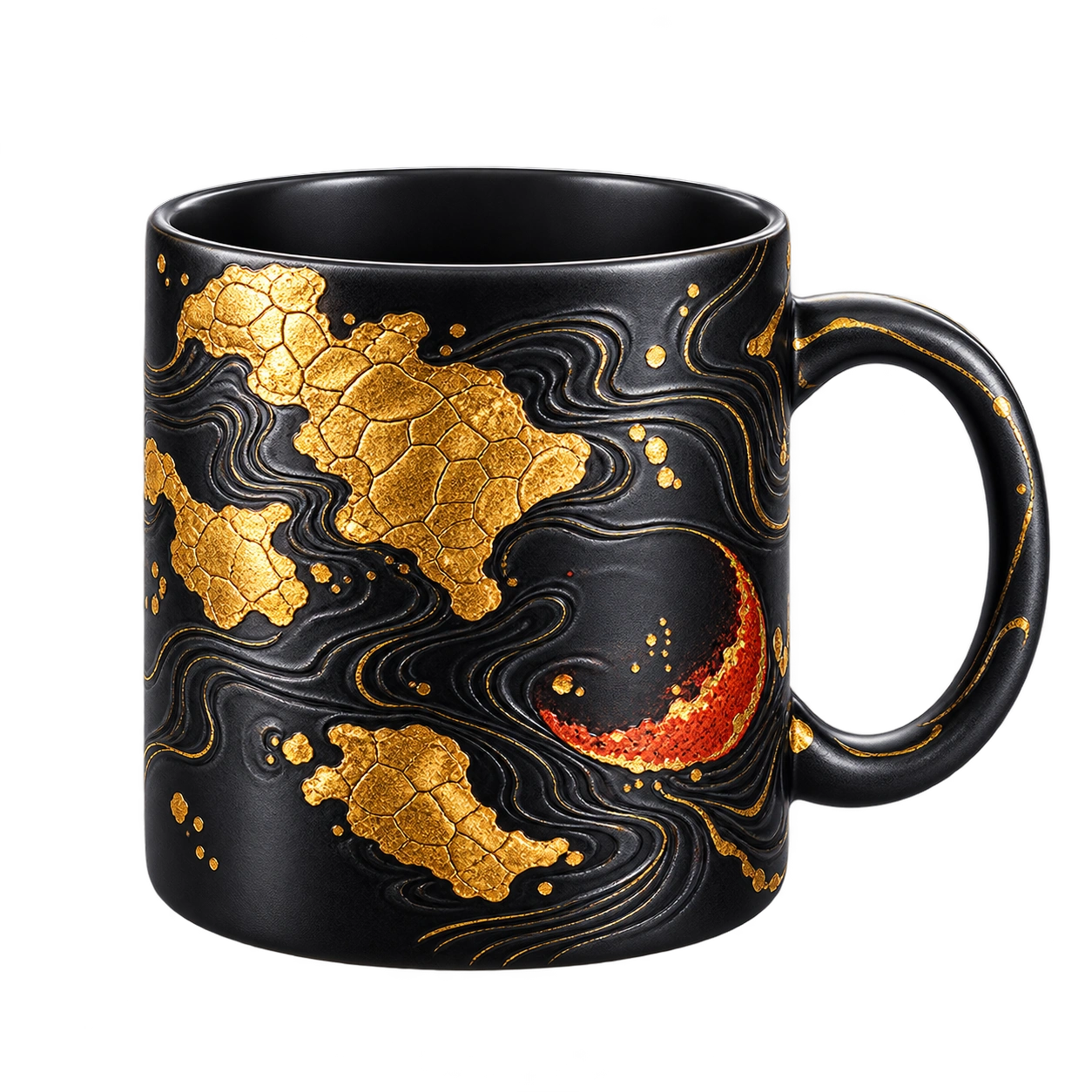
Develop your own Korea trip photos into mug, frame or memory-gift designs and prepare the information needed for a production request.
A travel-photo video begins with a beginning, a change and a closing moment rather than simply adding more photos. Use the short-video task in SavorIP’s studio to review scenes and presentation step by step.
Choose originals you took or have permission to use. Note dates, places and people or scenery that must remain. Plan a sequence of different moments rather than repeating the same image.
Verify place names and dates in captions, character continuity and permission to publish the music and photos. Distinguish generated interpretations from the original travel photographs when presenting the result.
Help me prepare a short video from three Busan travel photos: arriving at the seaside, a market meal, then the evening view. Add the trip date at the end.
Use the options and output formats offered in the actual workspace. A preview may differ from a completed video file. Check the displayed conditions and credits before executing generation.
SavorIP’s studio has a shorts task for preparing photos, a story and scenes. Check the actual task interface for supported options and resulting files.
Reference handling and preservation conditions vary by task. Specify faces, places and text that must remain and compare the result. Unchanged preservation is not guaranteed.
Develop your own Korea trip photos into mug, frame or memory-gift designs and prepare the information needed for a production request.
Distinguish original photos, applied previews and production materials while checking placement, proportions and materials in SavorIP.
Prepare products, references, scenes and descriptions with Saebori, then review the results in SavorIP’s store and creative workspaces.
Prepare Korea travel photos for a postcard design or short AI comic. Separate print images and wording from story scenes, then review them in SavorIP.
Guide reviewed