Turn Korea travel photos into personal souvenir concepts
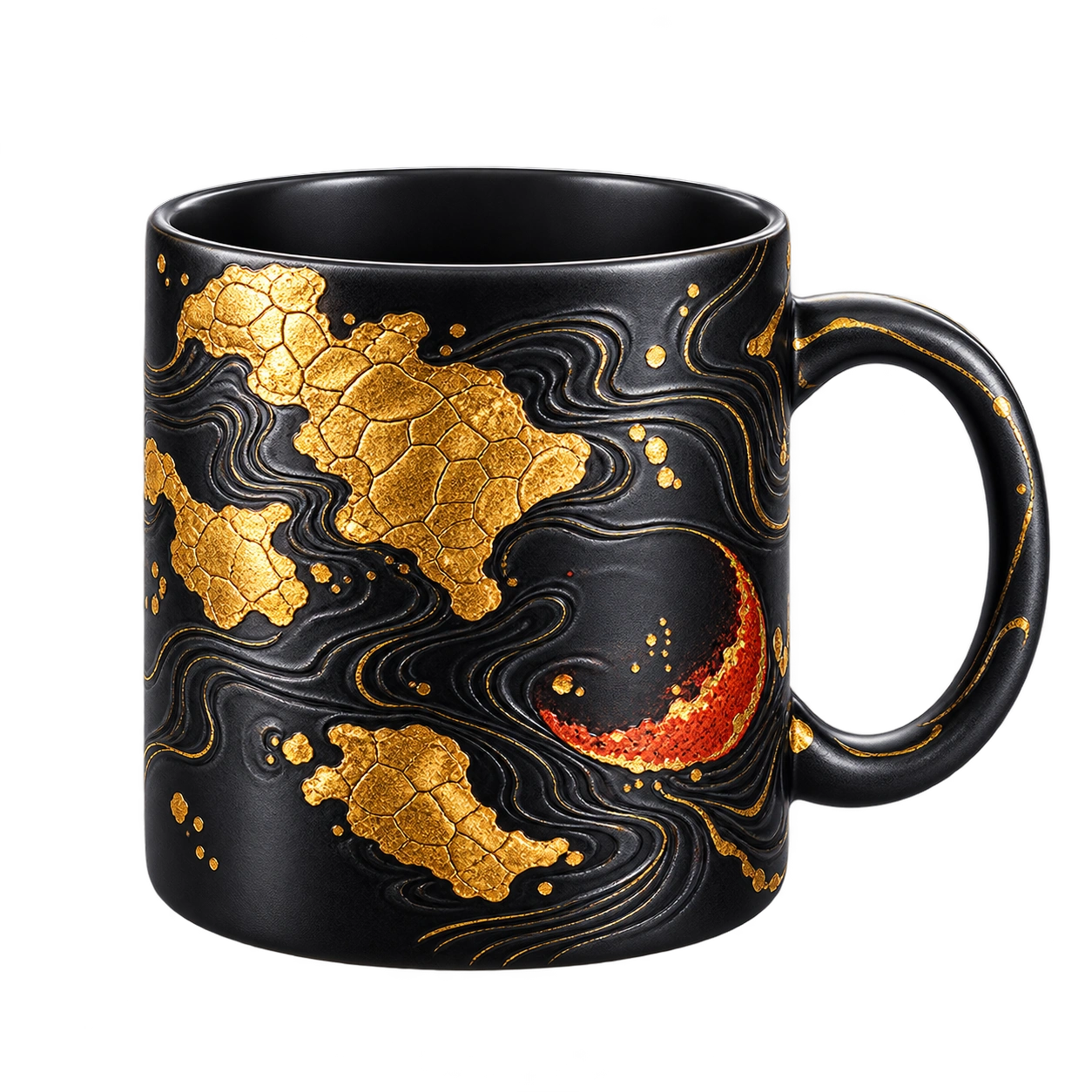
Develop your own Korea trip photos into mug, frame or memory-gift designs and prepare the information needed for a production request.
Deciding where a product will be displayed and how it will be introduced gives image, video and writing tasks a clear purpose. Connect SavorIP’s store builder with creative tasks as needed.
Prepare the product or artwork, display space, audience and mood. For video, decide on scene order and length; for writing, specify the purpose and the facts to retain.
Separate a reference’s mood from the source elements that must stay unchanged. Verify facts such as locations, specifications and prices, and check that the description matches the actual store.
I want to introduce a seaside-photo mug in a café gift corner. Help prepare a display concept, a short product description and a sequence of video scenes.
Options and output formats vary by task. Reading a guide does not execute generation. Review terms and displayed credits in the actual workspace before a paid generation.
Develop your own Korea trip photos into mug, frame or memory-gift designs and prepare the information needed for a production request.
Distinguish original photos, applied previews and production materials while checking placement, proportions and materials in SavorIP.
Prepare a short video from Korea travel photos by choosing originals, a story, scene order, captions and sound. Review the project in SavorIP’s creative studio.
Prepare Korea travel photos for a postcard design or short AI comic. Separate print images and wording from story scenes, then review them in SavorIP.
Guide reviewed